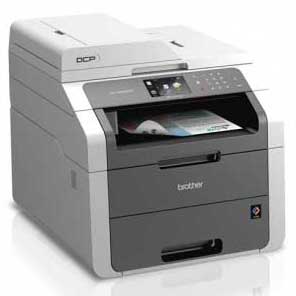
Brother DCP 9020CDW
> Follow the steps to reset your printer:
1– Make the numeric keypad visible on screen by pressing the Fax button.
2– Locate the Asterisk (Star) button on the numeric keypad.
(Remember step 1, 2 to display it)
3– Display the main menu by pressing the Home button.
4– Open the front cover of the printer to access cartridges.
5– Press and Hold the Asterisk (Star) button for 5 Seconds during step 4.
6– Check the reset menu on the LCD display.
7– Scroll through the menu to select a color and yield to reset.
8– The LCD will read “Accepted” once the reset is complete.
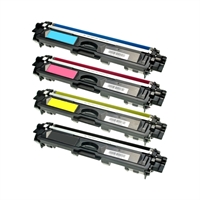
Brother DCP-9020CDW
Brother DCP-9020CDW
Brother MFC-9130CW
Brother MFC-9140CDN
Brother MFC-9330CDW
Brother MFC-9340CDW